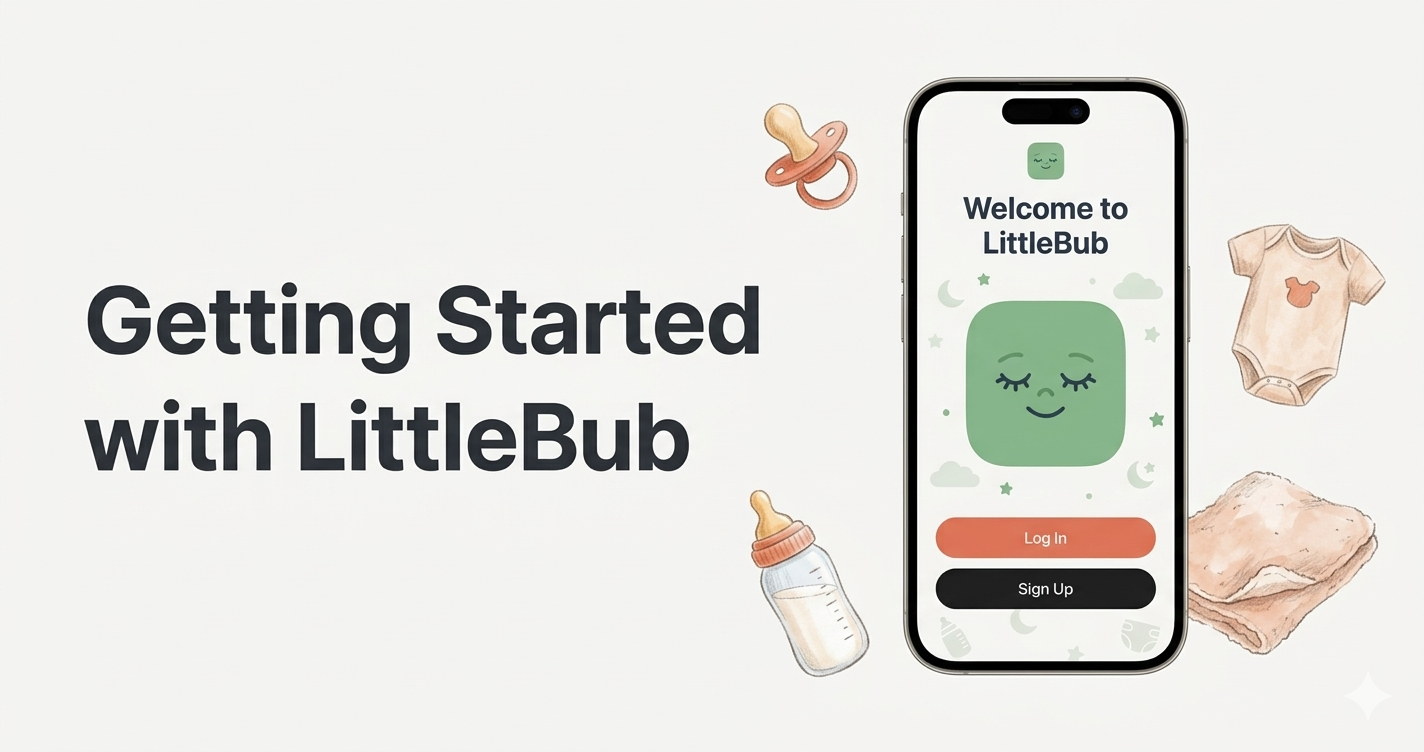
Congratulations on your new arrival — and welcome to BubDaze! Whether you're still in hospital or settling in at home, getting the app set up takes just a couple of minutes. Here's everything you need to know.
Step 1: Create Your Account
Download BubDaze from the App Store or Google Play and open it up. You can sign up with your email address, or use Apple Sign In or Google Sign In for a one-tap setup. Your data is secured with end-to-end encryption and stored on Australian-compliant servers, so you can feel confident about your family's privacy from the very start.
Step 2: Add Your Baby
Once you're signed in, you'll be guided through a simple onboarding flow. The first step is adding your baby's details: their name, date of birth, and sex. If you have twins or multiple children, you can add them all — BubDaze supports switching between children with a single tap from the home screen.
You'll also be asked to select your state or territory. This matters because each Australian state has its own version of the Personal Health Record (the "baby book"), and BubDaze tailors the milestone checks, vaccination reminders, and helpline numbers to match your region. For example, if you're in Victoria you'll see references to the Green Book, while parents in Queensland will see their Red Book.
Step 3: Choose Your Units
Most Australian parents will want metric units — kilograms, centimetres, millilitres, and degrees Celsius. But if you or your family prefer imperial measurements, you can switch at any time. BubDaze stores everything internally in metric (the same way your child health nurse records it) and converts for display, so your GP reports are always accurate regardless of your display preference.
Step 4: Invite Your Partner or Caregiver
One of BubDaze's most-loved features is free caregiver sync. Tap the "Invite Partner" option during onboarding (or find it later in Settings) and share an invite link via text message, email, or QR code. When your partner signs up through that link, they're automatically connected to your baby's profile. Both of you will see updates in real time — so when Dad logs a bottle feed at 2am, Mum can see it instantly without having to ask.
On the free plan, you can have up to two caregivers per child. If you need to add grandparents, a nanny, or other family members, the Plus plan supports unlimited caregivers.
Step 5: Log Your First Entry
From the home screen, you'll see a floating action button (the green "+" icon) at the bottom. Tap it and you'll get quick options for the most common tracking categories:
- Feed — Start a breast timer, log a bottle, or record a pumping session
- Sleep — Start a sleep timer or manually enter a nap
- Nappy — Log wet, dirty, or mixed nappies with one tap
- Health — Record temperatures, medications, or symptoms
For feeds and sleep, you can use the built-in timer or enter the details manually. The timer keeps running even if you close the app or switch to another screen, so you don't need to worry about losing your tracking if you get distracted (which, with a newborn, is basically guaranteed).
Step 6: Explore the Timeline
Every entry you log appears on the home screen timeline in chronological order. You'll see colour-coded cards for each type of event — yellow for feeds, purple for sleep, blue for nappies, and so on. At the top of the timeline, you'll find a "Time Since" summary showing how long it's been since the last feed, sleep, and nappy change. In the early days, this at-a-glance view can be a real lifesaver.
What's Next?
Once you've been tracking for a few days, head over to the Insights tab to see your baby's patterns start to emerge. You'll see daily summaries, feeding totals, sleep charts, and — if you're on the Plus or Premium plan — AI-powered predictions for your baby's next nap window.
If you have any questions, check out our Help Centre or reach out to our support team. We're parents too, and we're here to help.
Ready to try BubDaze?
Download free today. Track feeds, sleep, and milestones in under a minute.